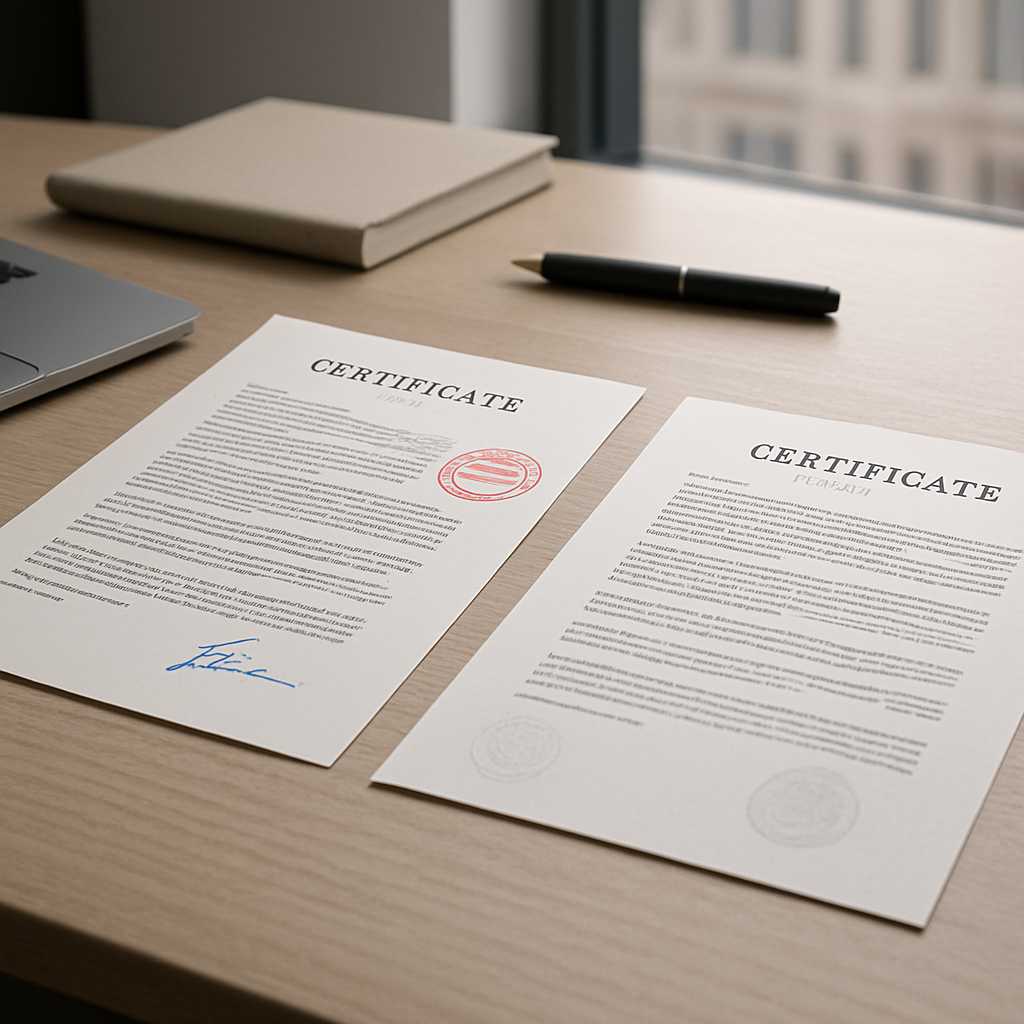
Colour Scans vs Black-and-White: Does It Affect Acceptance?
When people ask whether a colour scan for translation is necessary, they are usually asking a bigger question: will this document actually be accepted when I submit it? The practical answer is that acceptance is rarely decided by colour alone. It is decided by whether the document is complete, readable, and faithful to the original.
That said, colour often makes a real difference. A black-and-white scan may be perfectly fine for a clean, high-contrast typed document. But if the original contains faint stamps, coloured seals, handwritten notes, low-contrast ink, back-page marks, or security features, colour is often the safer choice.
For official submissions, the smartest rule is simple: If removing colour could remove meaning, evidence, or visible authenticity, submit the document in colour. That one decision prevents many of the avoidable problems that slow down translation, certification, and submission.
Need your file checked before you send it anywhere? Upload it to TS24 London and get a fast review before small scan issues turn into bigger acceptance problems.
The Short Answer
A black-and-white scan can still be accepted for translation and official use when it is sharp, complete, and fully legible. A colour scan is usually the better choice when the document includes anything that may become harder to interpret without colour. In other words, the real issue is not “colour versus black-and-white” in isolation. The real issue is whether the scan allows a translator and the receiving authority to see the document clearly enough to trust it.
What Actually Affects Acceptance
Authorities, universities, courts, employers, and immigration teams do not all follow one identical process. But in practice, most look for the same fundamentals:
- All pages included
- Nothing cropped off
- Text readable at normal zoom
- Stamps and seals visible
- Signatures and annotations identifiable
- Both sides scanned where relevant
- The translation matched to the same source document
- A proper certification statement attached where required
A well-translated file can still create problems if the original scan is poor. That is why scan quality is not a side issue; it is part of the submission itself.
When Black-and-White is Usually Fine
Black-and-white often works well when the original document is straightforward and visually clear. Common examples include:
- Typed bank statements with strong contrast
- Printed letters with no stamps or annotations
- Simple civil certificates with dark text on a plain background
- Academic records where all marks and institutional details remain easy to read
If the document is crisp, evenly lit, correctly oriented, and complete, black-and-white may be perfectly adequate.
Typical Example
A one-page typed employment letter with a visible signature and no coloured seals will often translate cleanly from a sharp black-and-white scan.
Where People Go Wrong
The problem is that many black-and-white scans are not truly clean. They may look readable on a phone screen but lose detail when enlarged, printed, or checked against the translation. Light greys disappear. Embossed marks flatten out. Margins get clipped. Small registry notes become guesswork. That is where a file that looked “good enough” starts causing unnecessary friction.
When Colour is the Safer Choice
Colour becomes the stronger option when it preserves information that black-and-white may hide, flatten, or distort.
Stamps and Seals
This is the most common reason to prefer colour. Many official documents include:
- Red registry stamps
- Blue circular seals
- Faint ink impressions
- Embossed marks
- Wet signatures in coloured ink
- Approval boxes, highlights, or handwritten corrections
A translator needs to identify and reflect those visible features accurately. A receiving authority may also expect them to be visible on the source document.
Low Contrast and Faded Originals
Older civil records, scanned photocopies, and worn official certificates often contain pale text or uneven shading. Black-and-white can make them harsher, not clearer. Parts of the page may vanish into the background or appear over-dark and muddy. Colour usually preserves more usable detail in these cases.
Handwritten Notes and Side Comments
Handwriting often becomes harder to read after contrast is pushed too far. If the document contains marginal notes, amendments, initials, or brief handwritten entries, colour gives the translator a better chance of reading them accurately.
Back-Page Writing
If the reverse side contains stamps, notes, references, or certification marks, both sides should be scanned. When those back-page details are faint or coloured, colour is the safer route.
Security Features and Authenticity Cues
Some documents contain visible patterns, shaded boxes, coloured headings, watermarks, or layout cues that help the file look like a faithful copy of the original. A translation provider does not authenticate a source document, but the quality of the source still affects how professional and trustworthy the full submission appears.
A Practical Acceptance Test
Before you upload anything, ask these five questions:
- Can every word, number, and date be read without guessing?
- Are all stamps, seals, signatures, and handwritten additions visible?
- Are all edges, margins, and page numbers present?
- Does the reverse side contain anything relevant?
- Would anything important disappear if the file lost colour?
If the answer to the fifth question is yes, use colour. That is the simplest and most reliable way to decide.
Colour vs Black-and-White in Real Document Types
Birth and Marriage Certificates
Colour is often the safer choice because these documents frequently contain registry stamps, seals, signatures, serial numbers, and faint official markings.
Passports and Identity Pages
A high-quality colour scan is usually better, especially when there are coloured features, stamps, visa marks, or machine-readable details that need to remain clear.
Bank Statements
Black-and-white can work well when the statement is clean and text-led. Colour becomes safer if there are highlights, bank logos that affect structure, faint print, or approval notes.
Academic Transcripts and Diplomas
Colour is often a good choice for diplomas and certificates with crests, embossed seals, and institutional signatures. For plain transcripts, black-and-white may still be fine if everything is sharp and complete.
Court and Legal Papers
Use the version that keeps the document easiest to read. If the file includes handwritten amendments, annotations, court stamps, or coloured filing marks, choose colour.
What Translators Actually Need from Your Scan
A translator does not just need the words; they also need the visible context around the words. A strong source file helps the translator capture:
- Names exactly as shown
- Dates in the correct order
- Issue references and certificate numbers
- Headings and section structure
- Stamps, seals, signatures, and handwritten notes
- Page sequence
- Visible amendments or struck-through text
- Official labels and margins that affect meaning
This is especially important for certified translation. The end result should feel clear, traceable, and easy to compare against the original. A poor scan slows everything down. It may lead to queries, partial uncertainty, re-scans, or avoidable delays on urgent work.
Why Stamp Visibility Matters More Than People Realise
Many people assume the translator only needs the main typed text. In reality, stamp visibility can matter for three separate reasons:
- The stamp may contain information that should be translated or noted.
- The stamp helps show the source document is complete and official-looking.
- The receiving organisation may compare the translation against the original scan, not against the paper version in your hand.
This is why colour is often recommended for documents with visible stamp detail. It reduces ambiguity at both stages: translation and submission.
Mini Case Insight
A birth certificate with dark typed text may look readable in black-and-white, but a faint red registrar stamp near the bottom can disappear almost completely. The translation may still be accurate, yet the overall document pack looks weaker because one visible element on the source is now hard to verify. That is not a translation problem; it is a scan problem.
Best Practice Before You Send a Document for Translation
Use this checklist before uploading your file:
1. Scan the Full Page, Not Just the Text Block
Leave the edges visible. Cropped corners create doubt.
2. Use Colour for Anything with Stamps, Seals, Signatures, or Faint Detail
This is the safest default for official records.
3. Scan Both Sides Where Relevant
Do this even when the reverse only contains a small note, stamp, or reference.
4. Keep Pages in Order
Multi-page files should follow the original order exactly.
5. Avoid Glare, Shadows, Filters, and Heavy Compression
A phone photo can work, but only if it is flat, bright, and distortion-free.
6. Check Legibility at Full Size
Zoom in before sending. If you struggle to read it, the translator will too.
7. Send the Original-Language Document as Supplied
Do not edit, mark up, crop, or “clean” the file first.
Can You Use a Phone Photo Instead of a Scan?
Yes, sometimes. A good phone photo is often enough for a quote and, in many cases, enough for translation too. But it must still meet the same standard:
- All text readable
- No perspective distortion
- No shadows across the page
- No missing edges
- No blur
- No glare over seals or signatures
A proper flatbed scan usually gives the cleanest result. A phone photo is acceptable when done carefully. A rushed snapshot taken under kitchen lighting is where problems begin.
What Happens If You Only Have a Black-and-White Copy?
Do not panic. A black-and-white copy may still be usable. The right next step is to check whether it remains:
- Complete
- Sharp
- Uncropped
- Readable in every section
- Clear enough to show all official marks
If the black-and-white version is the only copy available and it is still fully legible, the document may still be translated and accepted. But where there is any doubt, it is worth getting a better source file before proceeding. That is often faster than translating from a weak copy and later being asked for a clearer version.
Common Mistakes That Cause Avoidable Problems
People usually worry about the wrong thing. They focus on whether the scan is colour, but the real rejection risks are often these:
- Missing pages
- Cut-off edges
- Unreadable stamps
- Over-dark black-and-white contrast
- Blurred phone photos
- Omitted reverse sides
- Page order problems
- Compression that destroys small detail
- Sending the translation without the matching original
A well-prepared scan solves most of these issues before they reach the receiving authority.
Does Colour Improve Acceptance?
Sometimes yes, but only because it improves clarity and preserves visible detail. Colour is not a magic approval button. A poor colour photo can still be unusable. A sharp black-and-white scan can still be perfectly acceptable. But when colour protects the meaning or visibility of the original, it absolutely improves the chances of a smooth submission.
That is why the safest practical advice is this: use black-and-white for clean, high-contrast text documents when nothing important is lost; use colour whenever the document contains stamps, seals, handwriting, faint detail, back-page content, or authenticity cues. For official document work, “safer” usually beats “smaller file size.”
A Better Way to Order Translation When Acceptance Matters
If the document is going to UKVI, a university, a court, a solicitor, or another official body, do not wait until the last step to check the file. Get the scan reviewed first. At TS24 London, the fastest way to reduce risk is to send the document exactly as it will be submitted. That allows the team to flag:
- Poor contrast
- Missing pages
- Unreadable stamps
- Wrong certification level
- Urgency issues
- Formatting risks before delivery
That kind of early check is especially useful for immigration files, legal papers, academic records, and civil certificates. Need a fast answer on whether your file is usable? Send it to TS24 London and get a clear response before you submit anything.
Why This Matters for Urgent Submissions
Urgent translation is where weak scans cause the most damage. A deadline may be tight, but a fast order does not remove the need for a readable source document. In fact, it makes source quality even more important. If you need same-day or next-day work, a clear colour scan of the full document pack is often the most efficient starting point. It reduces follow-up questions and helps the translation move straight into production.
Final Takeaway
A colour scan for translation is not always mandatory, but it is often the best choice when acceptance matters. Black-and-white can work well for clean, text-only documents with strong contrast. Colour is safer when the file includes stamps, seals, signatures, handwritten notes, low contrast, reverse-side content, or anything else that could lose meaning when colour disappears.
The smartest approach is not to ask whether colour is always required. It is to ask whether black-and-white would remove anything a translator or reviewer needs to see. If the answer is yes, use colour. And if there is any doubt at all, send the file for review before you order. That is usually the quickest way to protect your deadline and avoid a second round of corrections later.
FAQs
Is a colour scan for translation always required?
No. A colour scan is not always required. A sharp black-and-white scan can still work when the document is complete, high contrast, and fully legible. Colour is the safer option when stamps, seals, handwriting, or faint details need to stay visible.
Will a black-and-white scan affect acceptance?
It can, but not automatically. Acceptance usually depends on legibility, completeness, and whether important visual detail has been lost. If black-and-white makes a stamp, seal, note, or back-page mark hard to see, it can weaken the submission.
Do stamps and seals need to be visible on the original scan?
Yes. Visible stamps and seals should remain clear on the source document because they may need to be translated, noted, or compared against the final translated pack.
Can I use a phone photo instead of a scanner for certified translation?
Yes, provided the photo is flat, bright, uncropped, and fully readable. A proper scan is often cleaner, but a high-quality phone image can still be suitable.
Should I scan both sides of the document?
Yes, whenever the reverse side contains any text, stamp, seal, signature, annotation, or official mark. Missing back-page content is a common avoidable problem.
What should I do if my only copy is faint or low contrast?
Send it for review before ordering. A faint file may still be usable, but it is better to confirm first than risk delays, rework, or questions from the receiving authority later.

